Hi everyone!
I’m new to Vikunja, and I have a feature request.
On the task detail page, I’d like to have a keyboard shortcut that does the same thing as the “Back to project” button.
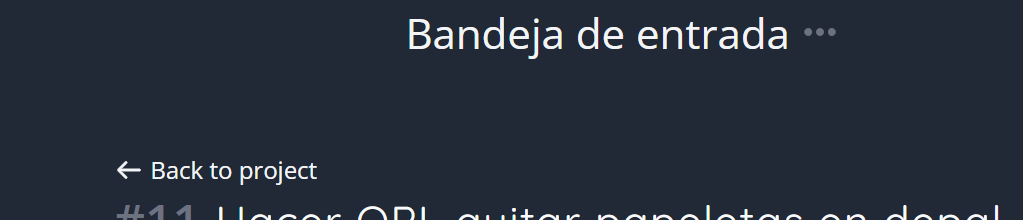
I usually keep tasks in my Inbox and navigate through them using J and K. When I open a task, I use M to move it to a project. After that, I’d like to return to my Inbox and move on to the next task, preferably using a keyboard shortcut.
Having a shortcut for this would make my workflow much smoother.
Thanks!
