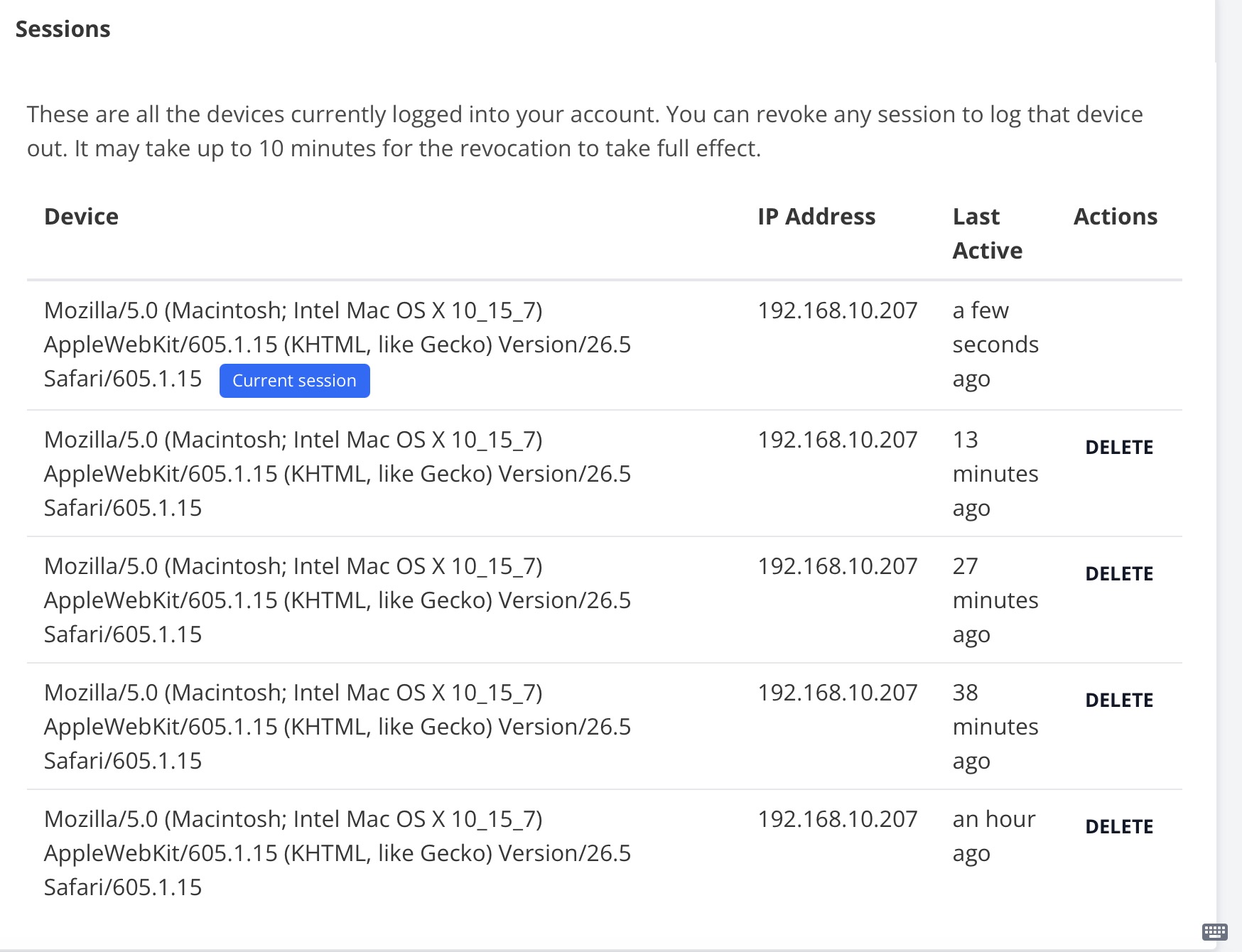
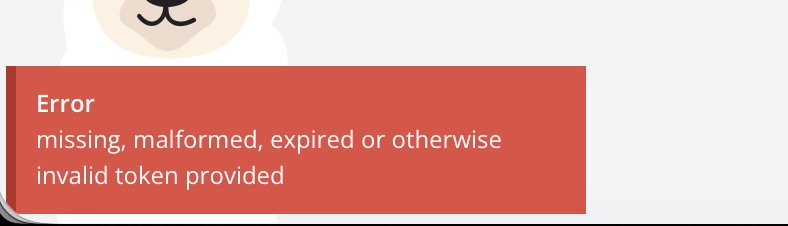
Desktop app (and web app) aggressively logs out

I’ve been enjoying using Vikunja cloud and supporting the project, but this has crossed from something to live with to being absurd. And just to be clear, I am checking “Remember Me” every time.

I would make the complaint against Vikunja as a whole; the only other online services I use that are as aggresive with logouts are banking, healthcare services, and my Microsoft/Github access for work. I am not using Vikunja for work, however, I’m using it personally, and while I am forced to put up with the services for work, I really don’t feel like I should force myself to put up with them for…a todo app.

BUT, with all that said, I understand that Vikunja is also aimed at being a workplace tool, so the aggressiveness could be argued as necessary.

What is indefensible is just how often I have to log back into the desktop Vikunja app. Literally no other desktop apps I use ever require me to log back in; I might be forced to log back in for Microsoft’s desktop once a month. Vikunja is at least once a week, usually more.

Before starting this thread, I wanted to check and see if I’m not just overreacting - that my brain isn’t cherrypicking moments and the frustration feeling, and I’m not. I logged in at 11:07AM on both desktop and web and by 2PM, I was already required to re-login to the web. By 6PM the following day, I was required to relogin to the desktop app - even to the point that it said “No API url was configured”. This pattern repeated - maybe not every day, but essentially every other day.

I saw in another thread that:

In the web, login sessions are only valid for 72h by default

So this is by design then? “By default” makes it sound like it’s a setting that can be changed but, having checked my account settings, it must be referring to a server setting.

This just feels entirely too aggressive for a todo app - especially if it’s meant to be used by individuals. Teams might want a higher level of security; to make it the only option is entirely too aggressive.

I have really stopped using Vikunja because I’m so sick of having to login. It wasn’t even a conscious decision, I just found myself not having opened it in days, then weeks. I am used to opening my todo app multiple times per day. I hate the idea of having to find yet another todo app, especially when Vikunja is fulfilling that need, but the fact that I’ve simply stopped using it without even intending to speaks as to how much it’s not helping me organize my life.

Huh what you’re describing is definitely not normal or intended.

It is true that the login session is valid for 72h by default, but it is extended by another 72h if there are less than 60h remaining of the initial 72h. This means that as along as you use Vikunja every 12h+, you should not have to log in again and again.

If you check the “remember me” checkbox, the session is valid for 30 days.

Both of these durations are configurable on the server.

One caveat: If you have not set up an JWT secret, all sessions are invalidated when you restart Vikunja. Can you verify if that’s the case in your installation?

Do you observe this only with the desktop app or in the web as well?
If you’re logged out, does that affect all devices?
Which Vikunja version are you using?

Thanks for the response.

As I said, I am using Vikunja Cloud, so AFAIK I have no ability to view server settings (which I’m fine with). I believe that should tell you what version of Vikunja that I’m using, but as for the desktop app, I am using 0.24.3, which I installed as a Flatpak. I just tried running the flatpak install command to ensure I was up to date, and it says I am.

Do you have your browser set to “forget” all browsing data when you close it? That would log you out as w.

As for the desktop app, do you see the same behaviour with any of the non-flatpack unstable builds from here? Vikunja Download | unstable

Hey, sorry for the lack of response. I also realize I missed several questions you asked.

Do you observe this only with the desktop app or in the web as well?

Web as well, which I mostly use on mobile. If anything, the web logs me out more often than the desktop app, but I don’t have hard data to back that up.

If you’re logged out, does that affect all devices?

Not that I’ve noticed. Like I just had to log into the desktop app and web on my desktop, but the browser on my phone is still logged in.

Do you have your browser set to “forget” all browsing data when you close it?

No, I do not; in fact, I actually have it restore the tabs from the previous session.

do you see the same behaviour with any of the non-flatpack unstable builds from here?

Unfortunately, I am not able to use any of those options, as my distro of choice is very niche…it does not have glibc, so a Flatpak is my only option. I have been having issues with xdg-desktop-portal granting network access to Flatpak apps when using Plasma, but I would not think that a lack of network access would somehow reset or invalidate my session.

Is it possible that my use of a VPN contributes to this issue?

Do you have any privacy extensions enabled in the browser which might clear local storage after a while?

Does it happen reproducibly if you close the desktop app or restart your computer?

Does it log you out only when you close and reopen or also while you’re using it?

The vpn should not contribute directly to the issue, but it might cause something here. Maybe worth a try? (if possible)

I am also having problems with the desktop aggressively logging me out. I believe it gets logged out as soon as the 10 minute token expires - so it is basically unusable. Using the web version on my phone does not have these issues, so I don’t think it’s a configuration issue on my server.

Using Vikunja Desktop 2.1.0 and happy to help troubleshoot.

This should be fixed recently, can you try with the latest unstable build? You’ll need the unstable web version as well. If you just want to check if this works, download the unstable desktop build and test with the demo.

With some very quick testing, I can confirm that the unstable dmg from 2026-03-10T01:17:38.679Z seems to be working much better on OSX 26.3 (25D125). Thanks for pushing this fix!

Unfortunately it’s not working for me with:
md5sum: a31f5b237d4c4394c0cf90c85c9a4072 Vikunja Desktop-unstable.AppImage
md5sum: 9e3a19430f0e639185d0f76b19fec834 Vikunja Desktop-unstable.deb

I have no issues with the browser and no issues with Android app. I didn’t setup a JWT secret, but also didn’t restart the container in between.

I typically click the “remember me”.

Is this quirky clientside? What’s a good way to debug it?

What version do you see in the about dialogue of the desktop app?

Frontend-Version: v2.1.0-160-g30fccfb0

API-Version: v2.1.0

The expiry of the token visible in “~/.config/vikunja-desktop/Local Storage/leveldb/000003.log” predicts when it will stop working. Something like:

echo $(strings ~/.config/vikunja-desktop/Local\ Storage/leveldb/000003.log | grep eyJ | tail -n 1 | jwt -show - -compact | tail -n 1 | jq .exp)-$(date +%s) | bc

if i keep using the app, it’s not updating that file with a new key, also not with several restarts

edit: the expiry is typically 600 seconds

I did some experimentation packaging Vikunja using Tauri and that gets me a working app (a debian package) that doesn’t suffer from this issue, but it’s of course unpolished. So this could be an be issue on how Electron interacts with Vikunja and my system. I’ll sleep over it, hoping to get an idea on how to “bisect” this.

Edit - i’m just trying to describe my situation a bit better (to help my journey to debug this):

  1. If I start the app log in, turn off the app, start it again after 10 minutes, i get presented a new log in screen. If I start it before 10 minutes have passed, the previous session is resumed, but no timer is reset. 10 minutes after the first login attempt I have to log in again.
  2. I’m on Debian Trixie, it happens with the AppImage the Flatpak version and the debian package, both the most recent 2.1.0 release as well as the latest unstable.
  3. I use my own Vikunja server instance based on the docker container behind a squid proxy
  4. The issue did not appear when the Vikunja Server was still on version 1.1.0 (and the client on version 1.1.0)
  5. The server is somewhat backward compatible with client version 1.1.0, but the issue happens with both the most recent 2.1.0 and the 1.1.0 client when connected to server 2.1.0, even though the client/server 1.1.0 combo didn’t have any issues.
  6. The issue does not appear if I use the Browser Firefox or Chromium directly
  7. The following command allows me to see how long exactly it will take until my session “expires”, it’s related to JWT token expiry: echo $(strings ~/.config/vikunja-desktop/Local\ Storage/leveldb/000003.log | grep eyJ | tail -n 1 | jwt -show - -compact | tail -n 1 | jq .exp)-$(date +%s) | bc
  8. Another user reported similar issues on Mac OS (uberoptix), but for them the issue disappeared with a latest unstable version
  9. Instead of bundling the desktop client with Electron, I managed to bundle it with Tauri. The Tauri-client doesn’t have the issue.
  10. I have only tested Debian Trixie, but I have the issue on several computers, even ones on which I never installed the most recent 2.1.0 client, just 1.1.0

Conclusions

  • The browser-based usage works, both Chromium and Firefox and also with Tauri it works, which suggests that the issue is with Electron, but not its browser engine, more likely with how it integrates with the operating system and/or how it integrates with Vikunja.
  • It is, however, remarkable that the issue also appears with client 1.1.0 in combination with server 2.1.0 even though with server 1.1.0 there was no issue. Since earlier we suggest that the issue is client-specific, we must now also believe that the issue was somehow latent in a way that it would only show with the new server. A first guess would be that maybe the new vikunja server introduced quicker token expiry.

Possible tests/investigations

  • I could try to find out, if version 2.0.0 (or 2.1.0) introduced a new way of dealing with JWT tokens, expiry settings that would potentially reveal issues with Debian-based electron clients.
  • I could try to find credentials stored in the Tauri-based version or track it’s behaviour with regards to token renewal as to explain why it works there, but not with Electron.
  • I could try to find out if the desktop client has the same issue with the cloud-based version of Vikunja

Edit2: So some of the questions are answered here quite well, because it explains why this issue didn’t surface with Vikunja 1.X in the same way:

I am now relatively sure that the vikunja_refresh_token for some reason is not persisted when using the desktop-app on my linux setup while my tauri-based test app does store it. At least I can’t find the string “vikunja_refresh_token” in any of the the files persisted by the client.

Update: with dev-tools “Shift+Ctrl+I” I can see that the Set-Cookie for the vikunja_refresh_token is rejected by the client with the error:

This attempt to set a cookie via a Set-Cookie header was blocked because it had the “SameSite=Strict” attribute but came from a cross-site response which was not the response to a top-level navigation.

So CORS works, because the CORS headers are set correctly and allow origin localhost, but that doesn’t appear to extend to Set-Cookie. Now just why would this happen only in specific setups using the Desktop App?

Update: I didn’t spot in the thread that I should update the server as well, commit 28f98a7a968ca5ee1d00db1fce02bb26b61cd410 fixes it for me as well.

So maybe my monologue was a bit unnecessary. Many thanks for the fix.

This is an issue with the reworked session management and untrusted hosts (like the desktop app is using underneath). This was fixed recently, check if the problem persists with an unstable build of the desktop and web.

@kolaente Yes, it’s fixed many thanks. It just took me a longer roundtrip to read up on updating the server as well.