
As seen on TV, I mean in Firefox browser.
Can you reproduce this on try?
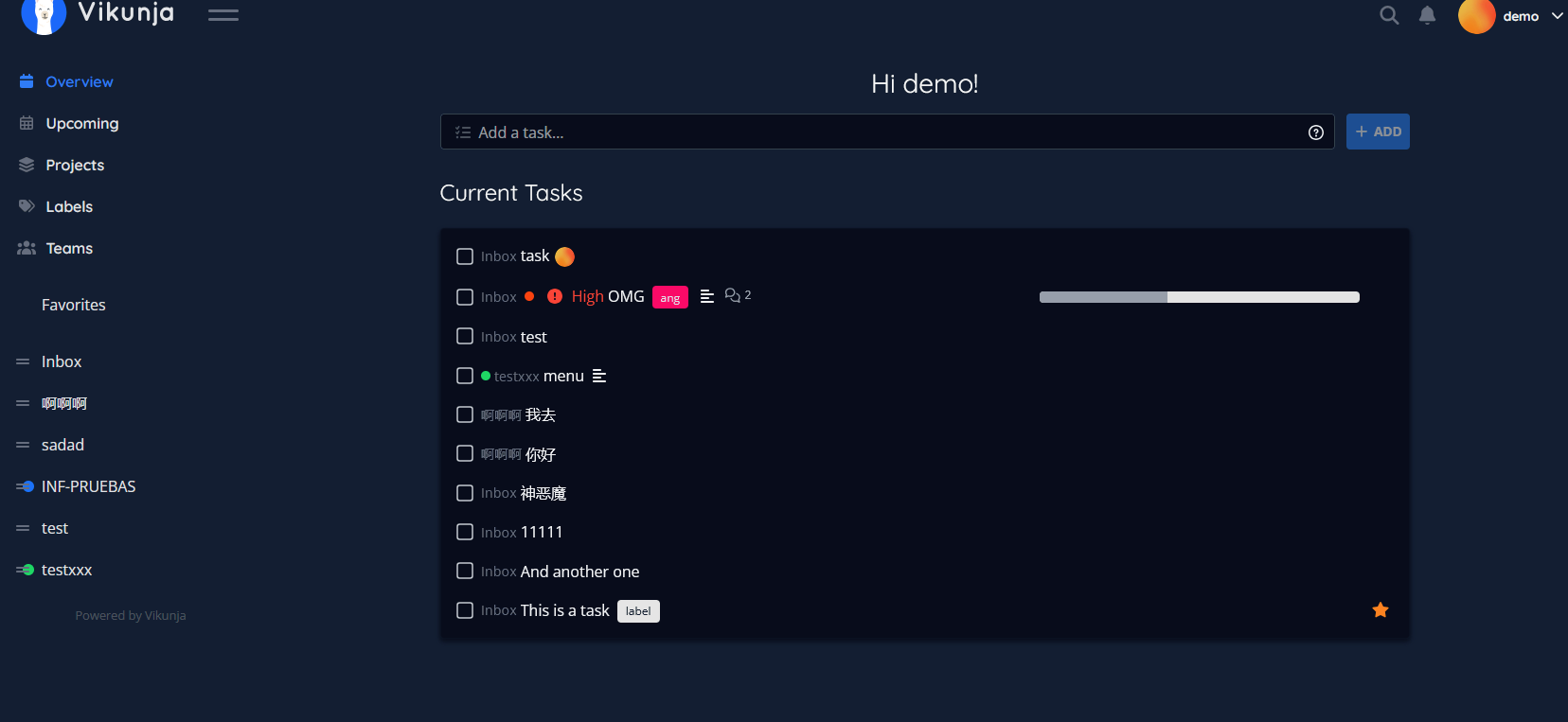
@kolaente Is the try (demo) site updated? If so, it’s still showing the bug as before.
I tried in my regular firefox and in a new private window so it’s not a local cache issue. Thanks.
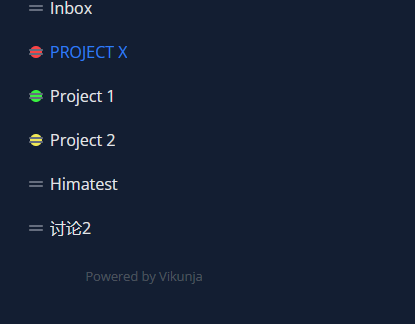
The alignment seems to be fixed.
Are you using a touch screen?
Sorry for the late reply. No, I’m on Windows PC using a regular monitor or on a Windows laptop with no touchscreen. It still shows the same behavior on try also, so it’s not a Cloudron packaging issue.
Firefox 149.0 (64-bit) on Windows 11.
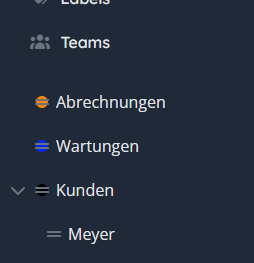
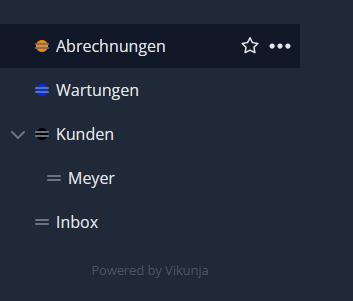
If you hover on the projects, it doesn’t hide/show the color icon and the two dash menu icon thing like it does on Brave. On Firefox, they’re both visible and hover has no animation/effect except for adding a darker overlay around the selection as seen in the screenshots below.
Default State:
On Hover:
It seems to happen only on a specific PC (cache related perhaps). Please consider this issue resolved. Thank you.