I tried to migrate my projects from Todoist. The migration process automatically logged in to my work account instead of my personal account (my goal). All my work projects got imported to Vikunja. I then went to my browser to log out of my work Todoist and log into my personal Todoist. My assumption was if I restart the migration process, it would automatically get a connection to my current logged in Todoist account (my personal one) and then import from there. That did not happen. Instead, all my work projects got imported again. My guess is that Vikunja and Todoist established a connection that now cannot be edited and pointed at a new user account. I don’t see any buttons in the menu to clear the connection and restart it.
Hey 
Vikunja doesn’t actually store a connection to Todoist. Every migration gets a fresh one-time authorization from Todoist. It might have happened that when you came back to the page, the old authorization was still in the URL and then clicking “migrate again” would then re-use that instead of sending you back to Todoist. Did you see a Todoist login or approval page at all?
Until that’s fixed, this should work:
1. Open a private/incognito window and log into your personal Todoist account there.
2. In the same window, log into Vikunja and open /migrate/todoist directly (make sure there’s no ?code= in the address).
3. Click “Migrate again”, then “Get started”, and approve access on Todoist’s page.
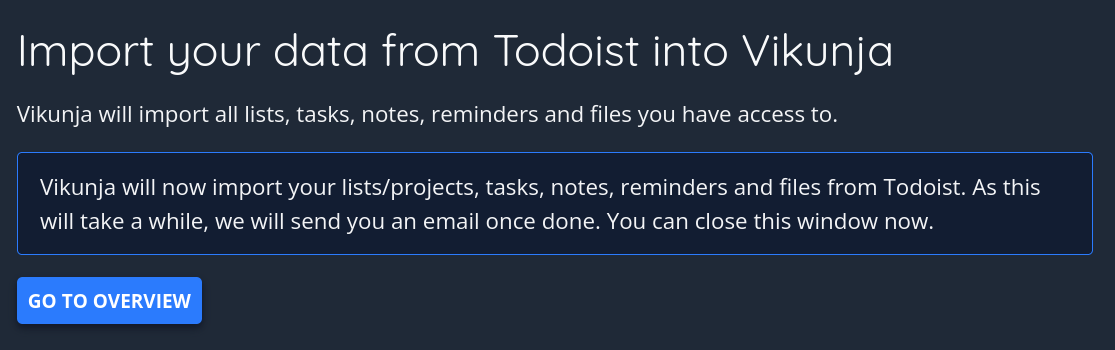
It seems like that one was stuck. I reset the status, please try again